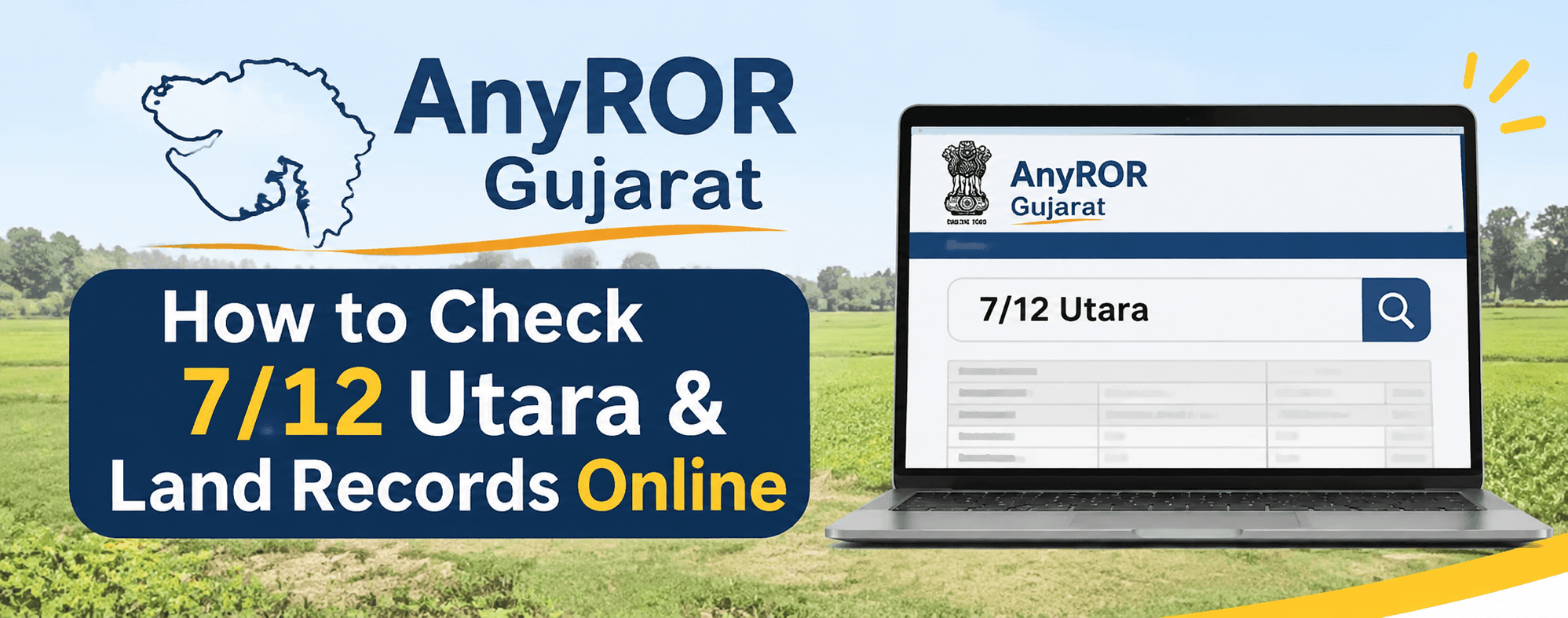
What is AnyROR Gujarat?
AnyROR stands for "Any Records of Rights, Anywhere in Gujarat." It's the official land records portal run by the Revenue Department, Government of Gujarat, built on the state's e-Dhara system by the National Informatics Centre (NIC). You'll find it at anyror.gujarat.gov.in.
The idea is simple. Instead of visiting a government office to see who owns a plot or what's registered against it, you check it yourself from a phone or a laptop. The portal covers all 33 districts and more than 18,000 villages in Gujarat, works in both Gujarati and English, and viewing records on it costs nothing.
One thing worth saying up front: anyror.gujarat.gov.in is the only official website for this. The Revenue Department has said it runs no official AnyROR mobile app, so any app claiming to be AnyROR is not theirs. Stick to the site.
AnyROR vs e-Dhara: what's the difference?
People use these two names as if they're the same thing. They're closely linked, but they do different jobs. e-Dhara is the back-office system the Revenue Department uses to maintain land records: mutation entries, updates, and the work that happens at taluka-level e-Dhara centres. AnyROR is the public window into that system, the part you actually open and read.
So when you hear "Bhulekh Gujarat," "e-Dhara," or "AnyROR," they're all pointing at the same digitised land records. AnyROR is just where you go to look at them.
The land records you can check on AnyROR
Gujarat's land records come in a few standard forms, and knowing which one you need saves a lot of confusion. Here are the ones that matter most.
| Record | Also called | What it tells you | Mainly used for |
|---|---|---|---|
| 7/12 Utara (VF7 + VF12 | Satbara Utara, Record of Rights | Owner name, survey number, area, land type, crop details and tenancy for rural land | Rural ownership checks, farm loans, sale verification |
| VF8A (Village Form 8A) | 8A Khata | All the land held under one khata (account) holder in a village | Confirming an owner's total holding |
| VF6 (Village Form 6) | Mutation register, Hakk Patrak | The entry-by-entry history of ownership changes, each one a "nondh" | Tracing how a plot changed hands |
| 135D Notice | Mutation notice | Notice issued before a mutation is finalised, under Section 135D of the Gujarat Land Revenue Code | Checking a pending ownership change |
| Property Card | Milkat Card | Ownership of urban plots in city survey areas | City property in Ahmedabad, Surat, Vadodara, Rajkot |
| Unit Property Card | Unit card | Ownership of a single flat or unit inside a building | Apartments and individual units |
How to check rural land records (7/12 Utara) on AnyROR
This is the one most people are after. Here's how to pull a 7/12 Utara or 8A for agricultural or village land.
- Go to anyror.gujarat.gov.in.
- Click View Land Record - Rural.
- From the dropdown, pick the record you want: VF7 (Survey No. Details) for the 7/12 ownership record, VF8A (Khata Details) for the khata, or VF6 (Entry Details) for mutation entries.
- Choose your district, taluka and village.
- Enter the survey number (or khata number, depending on the record).
- Type the captcha shown on screen.
- Click Get Record Details.
The record loads on screen, and you can read or print it. For older history, the same menu has Old Scanned VF 7/12 and Old Scanned VF6 options, which pull up the handwritten records from before digitisation.
How to check urban land records (Property Card) on AnyROR
City and town properties sit under a different section, because they're recorded as Property Cards rather than 7/12 extracts.
- Go to anyror.gujarat.gov.in.
- Click View Land Record - Urban.
- Choose Property Card for a whole plot, or Unit Property Card for a single flat or unit.
- Select your district and city survey office, then the ward.
- Enter the survey number (or owner name, where the option is offered).
- Enter the captcha and click to view.
The urban menu also lets you work backwards if you don't have the survey number. Know Survey No. by Owner Name and Know Survey No. by UPIN (the unique property number) are both there.
How to search land records by owner name in Gujarat
Don't have the survey number? You can still find a property by who owns it, using the Property Search option on the home page. It's handy, with one honest caveat: common names throw up several matches, so a survey number always gives you a cleaner result.
- Go to anyror.gujarat.gov.in and click Property Search (top-right of the home page).
- Choose a search type: Name wise, Property wise, Document No. / Year wise, or by registration date.
- Pick the Name wise option.
- Enter the details asked: the sub-registrar office, district, the owner's name, and so on.
- Request the OTP, enter the code sent to your mobile, and view the results.
This search pulls from registration data, so it's a good way to cross-check ownership against what's registered with the sub-registrar.
How to check mutation status (VF6 and 135D)
A mutation is the official update of a land record after a sale, inheritance, or gift. Until it's done, the record still shows the old owner, so checking mutation status matters a lot before you pay for anything.
On AnyROR, open View Land Record - Rural, then VF6 (Entry Details), and enter the district, taluka, village, and survey or nondh number. Each entry (nondh) shows a change and its status. If you've filed a mutation yourself, you can track it with the mutation case number (Hakk Nondh Kramank) from your receipt.
The 135D Notice option shows notices issued before a mutation is certified. Under Section 135D of the Gujarat Land Revenue Code, everyone with an interest in the land must be given notice before the change is locked in. A missing or improper 135D notice is a genuine red flag worth asking about.
What to keep ready before you start
You'll move faster with these on hand:
- The district, taluka and village for rural land, or the city survey office and ward for urban.
- The survey number or khata number, or the owner's name if that's all you have.
- For urban units, the UPIN if you know it.
- A mobile number for the OTP on property searches.
One small thing that trips people up: survey numbers get re-drawn when a village is re-surveyed (promulgated). If your number is old, use the New Survey No. from Old option to find the current one.
"Record not found"? Here's what usually went wrong
A blank result almost never means the record doesn't exist. Nine times out of ten it's one of these:
- Wrong section: Rural land searched in the urban tab, or the other way round. Village and farm land is a 7/12; city property is a Property Card.
- A spelling or number mismatch: The district, taluka, village, survey number, or owner name doesn't match the record exactly. Gujarat has plenty of villages with similar names across districts, so check you've picked the right one.
- An old survey number: If the area was re-surveyed, the old number won't pull the current record.
- A mutation that hasn't caught up: A recent sale or transfer may not show yet.
Fix the detail and try again. If it still won't load, the record may genuinely need a visit to the e-Dhara centre or the Mamlatdar's office.
A few things to know before you trust an online 7/12
The portal is reliable, but a printout from it isn't the whole story. Keep these in mind:
- The free online copy is for information, not proof. It's meant for personal reference. For anything official, like a court matter or a registration, you'll need a certified or digitally signed copy. AnyROR offers a digitally signed RoR you pay for online, and it's valid for official use. Once you generate it, you usually have to download it within 24 hours.
- A 7/12 alone is not enough before you buy. Read it alongside the VF6 mutation entries, the sale deed, the property card for urban plots, the village map, and an encumbrance check. The current 7/12 tells you who holds the plot today; the VF6 entries tell you how they got there.
- Use only the official site. anyror.gujarat.gov.in is the real one. Skip the look-alike sites and the "AnyROR" apps on the stores, which aren't run by the government.
If a record and the seller's story don't line up, that's exactly the moment to slow down and get it checked properly.
Why this matters when you're buying property
If you're taking a home loan, your lender will ask for the 7/12 or the Property Card and compare it against the registration details before they approve anything. So the record isn't just paperwork. It's part of whether the deal goes through at all.
At Hommea, we treat a clean land record as the starting line, not a formality. Before we'd tell you a property is worth seeing, we want to know the ownership matches, the mutation is done, and there's nothing pending against it that you'd inherit along with the keys. AnyROR is where a lot of that checking begins, and now you can do a good part of it yourself.
Frequently asked questions
Is AnyROR a government website?
Yes, anyror.gujarat.gov.in is the official land records portal of the Government of Gujarat, run by the Revenue Department on the e-Dhara system.
Is it free to check land records on AnyROR?
Viewing records is free. A digitally signed copy for official use carries a small online fee.
What is 7/12 Utara in Gujarat?
It's the main rural land record, also called Satbara Utara. It lists the owner, survey number, area, land type, crop details, and tenancy for a piece of agricultural or village land.
What's the difference between 7/12 and a Property Card?
7/12 is for rural and agricultural land. A Property Card is for urban property in city survey areas. Both prove ownership, just for different kinds of land.
Can I check land records by owner name in Gujarat?
Yes, through the Property Search option. Common names bring up several matches, so a survey number gives a more exact result.
Is the AnyROR online copy legally valid?
The free copy is for personal information only. For official or legal use, download the digitally signed RoR from the portal.
Does AnyROR have an official app?
No, The Revenue Department runs no official AnyROR app. Use the website, anyror.gujarat.gov.in.
Why does my 7/12 show "record not found"?
Usually a wrong district, taluka or village, a survey or name mismatch, an old survey number, or rural land searched in the urban section (or the reverse). Fix the detail and search again.
How do I check mutation status on AnyROR?
Open View Land Record - Rural, then VF6 Entry Details, and enter the land details. Each nondh entry shows a change and its status.
Land records can feel like a maze, and most of the stress comes from not knowing what you're looking at. Now you do. If you're weighing up a property in Gujarat and want a second pair of eyes on the paperwork before you commit, that's exactly the kind of thing we're here for. Come talk to us.
FILED UNDER